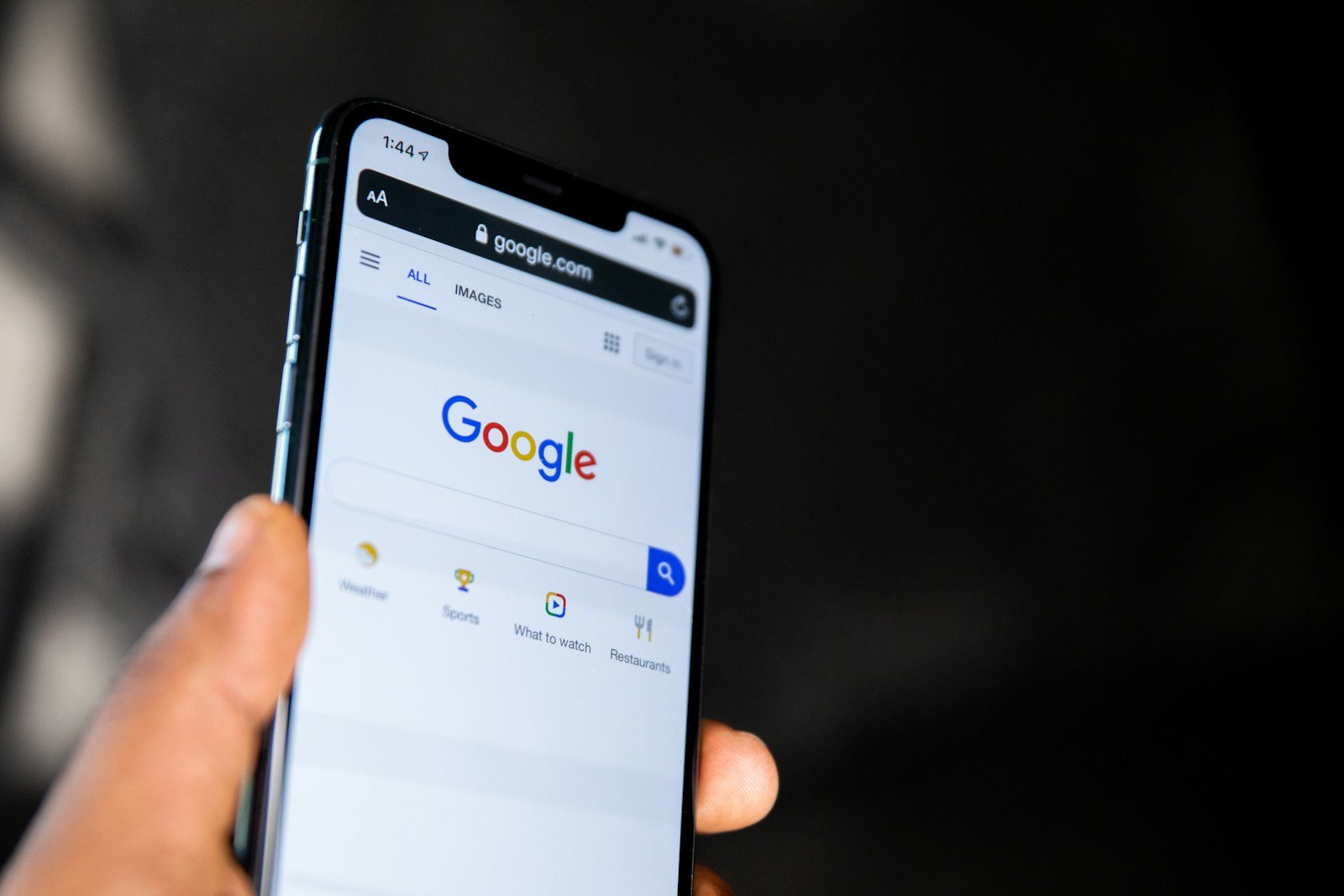
Google Search Profile: 7 Powerful Steps to Win Followers

A Google Search Profile used to be out of reach for almost every independent blogger. When Google launched the feature on June 4, 2026, you needed 100,000 followers on YouTube, Instagram or X, or 300,000 on TikTok. On September 16, the bar fell to 10,000 followers on a single platform, and Google’s creator page now lists the US, Canada and India as open markets.
That change moves the profile from “something big publishers get” to a realistic goal for a niche blog with a modest video habit. Below you’ll find what the profile really does, how to claim one without tripping over account mistakes, how to measure it, and a 90-day plan if you’re still short of the follower bar.
Affiliate disclosure: As an Amazon Associate, I earn from qualifying purchases. The gear links in Step 6 are optional; you can claim and run a profile with the phone you already own.
Table of Contents
What a Google Search Profile changes for a blog
A Search profile is a Google-hosted page that gathers your avatar, bio, website, social accounts, latest articles, videos and posts in one place. Readers reach it from your Knowledge Panel, by tapping your name on a Discover card, or through a direct link you share.
The button that matters is Follow on Google. People who follow you are more likely to see your new content in the Discover feed of the Google app, which is the home screen of that app for millions of phone users.
So think of a Google Search Profile less as a link-in-bio page and more as a subscription that lives inside Google. A Pinterest follower or an email subscriber belongs to another system. A Google follower sits inside the feed that already sends many blogs their sharpest traffic spikes.
Does a Google Search Profile improve rankings?
No, and Google says so plainly. As Search Engine Journal reported, Google’s documentation states that creating a profile doesn’t directly affect your content’s ranking in Search. Any lift from a Google Search Profile comes from Discover distribution to followers and from a clearer entity when people search your name.
That distinction protects you from a bad trade. If you must choose between an afternoon fixing thin posts after the latest Google spam update and an afternoon polishing a Google Search Profile, the posts win for rankings. The profile wins when you already have an audience that would follow you if asked.
Google Search Profile eligibility in November 2026
The rules have changed three times in five months, which is why so many articles disagree. Here is the sequence, checked against Google’s own Search profile page for creators and trade coverage:
- June 4, 2026: US launch. 100,000 followers on YouTube, Instagram or X, or 300,000 on TikTok.
- August 12, 2026: Google’s VP of Product for Search announced lower thresholds, and the help page soon listed 35,000 on all four platforms.
- September 16, 2026: the threshold dropped to 10,000 on any one supported platform, alongside single-login management for media companies with several brands and a redesigned article layout.
- Today: Google’s creator page lists the United States, Canada and India, with more countries planned. You must be 18 or older, though an adult can manage a profile for a younger creator.
The count is per platform. 10,000 YouTube subscribers qualifies you even if your X account has 400 followers, while 4,000 on each of four platforms does not. In early November, Search Engine Roundtable also spotted LinkedIn appearing as a linkable account on some profiles, although the eligibility list still names only four platforms.
Why your blog traffic doesn’t count toward eligibility
Monthly pageviews, email subscribers, Pinterest followers and Google News inclusion don’t appear anywhere in the Google Search Profile eligibility rules. Google verifies you by having you sign in to a supported platform, so it counts a number it can confirm.
A blog with 80,000 monthly visitors and 900 Instagram followers isn’t eligible. A cooking channel with 11,000 subscribers and no website is. That’s the uncomfortable takeaway for search-first bloggers: the qualifying audience has to live on a video or social platform.

Step 1: Check whether Google already built a profile for you
Google already auto-generates a Google Search Profile for many creators, publishers and brands that have a Knowledge Panel. Search your name or your blog’s brand on your phone. If a panel appears, open the three-dot More menu and look for View Search Profile.
Several SEO publications have reported that unclaimed, auto-generated profiles carry a noindex tag, keeping them out of search until someone claims them. Whether or not that holds for every profile, an unclaimed page means Google is choosing your photo, bio and featured content for you.
No panel at all? That’s common for small blogs. Google’s help text explains that people or organizations with similar names can stop a panel from showing. Claiming a Google Search Profile can create one, which is a strong reason to claim the moment you qualify.
Step 2: Claim your Google Search Profile in one sitting
The claim itself takes about 15 minutes if you prepare your bio, avatar and logins first. Start from the eligibility button on Google’s creator page, then:
- Sign in with the Google Account you want to own the profile long term. A dedicated account for the blog beats a personal Gmail you might abandon.
- Link the platform that clears 10,000 followers first, then add the others. Google uses these logins to verify your identity.
- Check the handle Google assigns. It copies your most-followed linked account; if that handle is taken, Google picks the next one.
- Add your website, a bio of two or three plain sentences, and a square avatar that matches your other platforms.
- Select Create Profile, then open profile.google.com/account to confirm everything displays correctly.
Google Search Profile claim mistakes to avoid
- Using a throwaway account. The profile is tied to the account that claims it. Moving it later means contacting support rather than changing a setting.
- Mixing identities. A personal brand and a podcast are separate profiles. The new single-login feature targets media companies with sub-brands, so solo creators shouldn’t assume it covers them.
- Keyword-stuffed bios. Your bio feeds the AI-generated summary on your Knowledge Panel. Write what a stranger needs: who you help, with what, and for how long.
Google for Creators published this walkthrough of the setup screens, which is worth watching once before you start:
Step 3: Pin the posts that turn followers into readers
Pinned posts sit at the top of your Google Search Profile, so treat them as a storefront rather than an archive. Pick three: one evergreen guide that already ranks, one recent post that proves you’re active, and one post with an email signup or product recommendation that earns.
Since the September redesign, article cards show larger thumbnails and longer headlines. Titles that lead with the topic read better in that layout than clever ones. “WordPress Backup Checklist” works; “Don’t Lose Everything” doesn’t. A practical post like our WordPress backup checklist is exactly the kind of page that earns a pin.
Step 4: Tie the profile to your blog’s entity signals
Google is matching one person or brand across several platforms, so make that match easy:
- Use the same name and avatar on your blog, YouTube channel, Instagram and author box.
- Link every social profile from your About page and author bio, and link your site from every social bio.
- Add Person or Organization schema with sameAs links in Rank Math’s Titles & Meta settings.
- Keep a real author page that shows credentials and first-hand experience, which also supports E-E-A-T for bloggers.
While you’re there, add Google’s “Add as a preferred source” link to your footer. Preferred Sources is a separate feature built on the same idea: readers who opt into you see more of you inside Google, now including AI Overviews and AI Mode. Our guide to getting cited by AI Overviews covers the content side of that equation.
Step 5: Measure what your Google Search Profile sends you
Don’t judge the profile by feel. Set up two measurements on the day you claim it.
First, tag the website link on your Google Search Profile with UTM parameters, for example ?utm_source=google&utm_medium=search_profile. Visits from the profile page then appear as their own line in Google Analytics instead of disappearing into organic traffic.
Second, watch the Discover report in Search Console. It only appears once a site reaches a minimum level of Discover impressions, so a missing report is normal for small blogs. Compare 28-day periods before and after you claimed, and write down the claim date so a seasonal bump doesn’t get credited to the profile. The same discipline applies to the Search Console generative AI report, where impressions are just as easy to misread.
A fair 90-day test: if followers grow but Discover clicks stay flat, your pinned posts and headlines need work. If neither moves, the bottleneck is your social audience, which brings us to Step 6.
Step 6: Under 10,000 followers? Run a 90-day qualifying plan
Most readers of this blog sit below the bar, so here is the honest math. Going from 2,000 to 10,000 followers in 90 days means roughly 89 net new followers a day. That’s achievable on one platform with near-daily short video, and close to impossible spread across four.
Choose the platform by your topic, not by what’s fashionable:
- YouTube if your posts are tutorials. Subscribers are durable, and long videos keep earning views for years.
- Instagram or TikTok if your niche is visual: food, home, style or travel.
- X only if you already have an engaged following there. Growth from zero is slow for most bloggers.
Then turn existing posts into scripts instead of inventing new ideas. One blog post usually yields three to five short videos: the common mistake, the quick fix, the tool, and the before-and-after. Our system to repurpose one blog post into a week of content covers the workflow, and batching a month of content in one weekend keeps the schedule sustainable.
Pinterest followers, email subscribers and Facebook page likes don’t count toward Google Search Profile eligibility today. Keep Pinterest promotion for traffic, but don’t rely on it for this particular goal.
Gear that makes short video easier
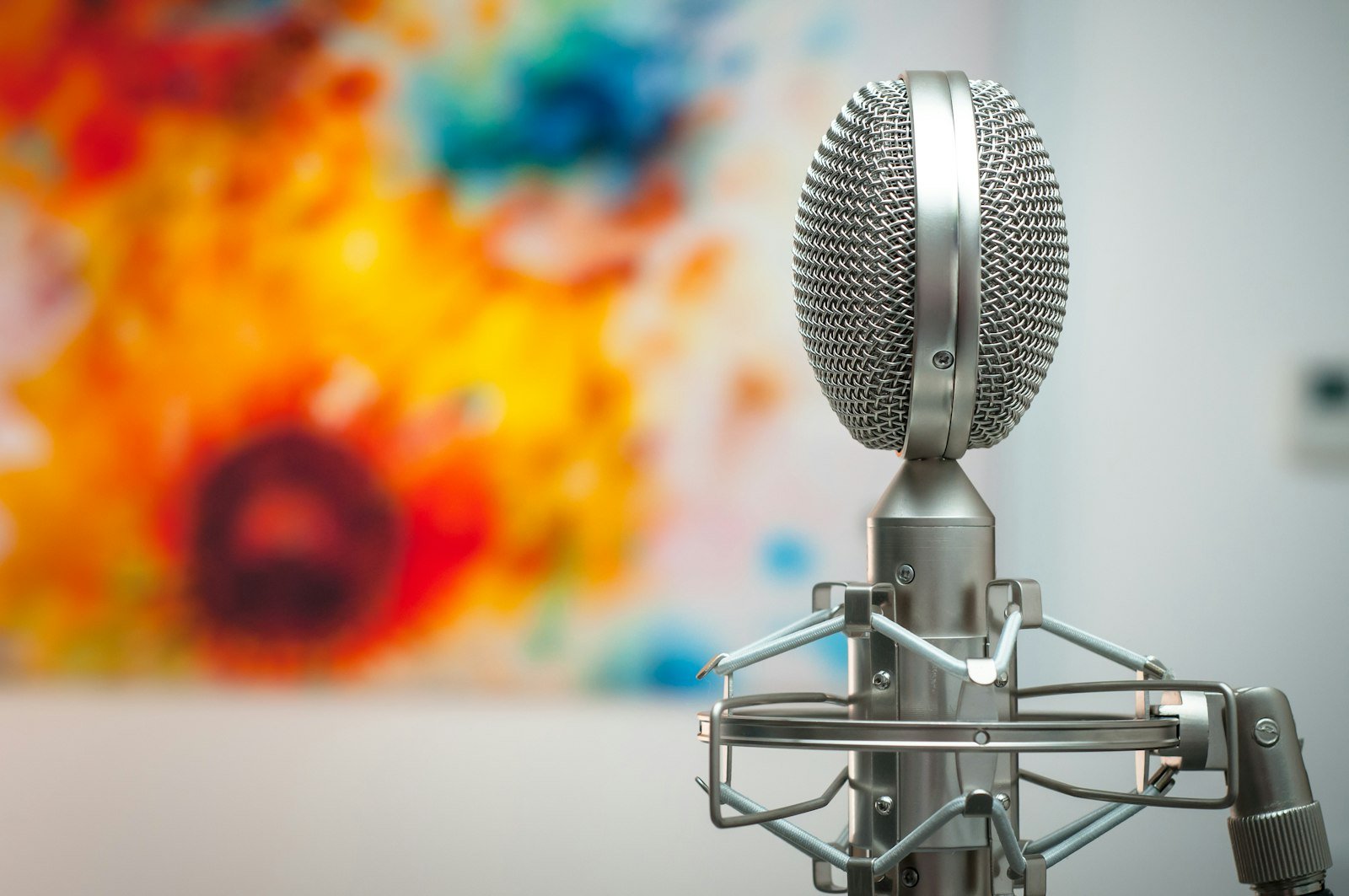
You don’t need a studio. Viewers forgive soft video far more readily than muddy sound, so spend on audio before anything else.
- Shure MV7+ podcast microphone: a USB-C and XLR dynamic mic that ignores much of the room around it, so voiceovers recorded at a desk in an echoey spare room still sound clean.
- RØDE Wireless GO (Gen 3): two clip-on transmitters with 32-bit float recording, which means a sudden laugh or shout won’t distort when you film away from your desk or interview a guest.
- NEEWER 18-inch ring light kit: even, flattering light for evening filming sessions, with a stand included, so your batch day isn’t limited to daylight hours.
- DJI Osmo Mobile 7P gimbal: smooth phone footage with native subject tracking, useful for cooking, travel and walk-through videos where you’re filming yourself.
Step 7: Keep your profile accurate as Google changes the rules
Thresholds moved three times in 15 weeks, platforms are being added, and the country list is growing. Put a 15-minute check on your calendar each month:
- Re-check eligibility on Google’s Search profile help page if you were previously short.
- Swap one pinned post for something fresher.
- Confirm your linked accounts still connect after any password or handle change.
- Log follower count and Discover clicks in the same sheet you use for your content refresh workflow.
Is a Google Search Profile worth it for a small blog?
Yes, if you qualify. Claiming a Google Search Profile takes under an hour, costs nothing, can create or improve your Knowledge Panel, and gives readers a one-tap way to follow you inside a feed many of them check every day.
If you don’t qualify yet, treat the profile as a reason to build one video audience, not a reason to panic. The bloggers best placed for 2027 are those whose name means something on two surfaces: their site and one platform where people follow them. A Google Search Profile simply rewards that combination, while your email list remains the one asset no platform can switch off.
Frequently asked questions
What is a Google Search Profile?
A free, claimable page on Google that gathers a creator’s or publisher’s articles, videos, social posts and links. It includes a Follow on Google button, and followers are more likely to see new content in their Discover feed.
How many followers do you need for a Google Search Profile?
You need 10,000 followers or subscribers on one supported platform: YouTube, Instagram, X or TikTok. Google lowered this from 100,000 at launch and 35,000 in August 2026. Counts across platforms are not combined.
Can I get a Google Search Profile outside the US?
Google’s creator page lists the United States, Canada and India, with more countries planned. If you see a region message, check the claim page again each month rather than waiting for an announcement.
Does a Google Search Profile help SEO rankings?
Not directly. Google states that creating a profile doesn’t affect your content’s ranking in Search. The benefits come from Discover follows, a clearer Knowledge Panel and stronger branded searches.
Can I have more than one Google Search Profile?
Yes, for genuinely separate identities such as a personal brand and a podcast. Google added single-login management for media companies with sub-brands in September 2026; solo creators may still need a separate Google Account for each profile.
Why don’t I see a Knowledge Panel after claiming my profile?
Google says other people or organizations with similar names can stop a panel from appearing. Use one consistent name and avatar, and cross-link your site and social accounts so Google can match them to you.